Warm, cool, and in between
Adjust cool blue, natural white, warm yellow, and red-warm screen tones to suit your surroundings.
Selfie screen light for iPhone
Let your screen light your selfie. Tune brightness and warm or cool tones, check the front camera preview, and save your favorite single or dual-color setup.
Swipe horizontally to change tones and vertically to adjust brightness. Check how the light looks in the front camera preview.
Adjust cool blue, natural white, warm yellow, and red-warm screen tones to suit your surroundings.
Check the effect while adjusting. Tap to hide the preview for a full light panel; it returns when you reopen the app.
Switch between single and dual-color light. Long press to save a setup, with space for up to five favorites.
The current App Store 1.0.1 screenshots show the front camera preview, color choices, and brightness controls. These product images currently contain Traditional Chinese text.
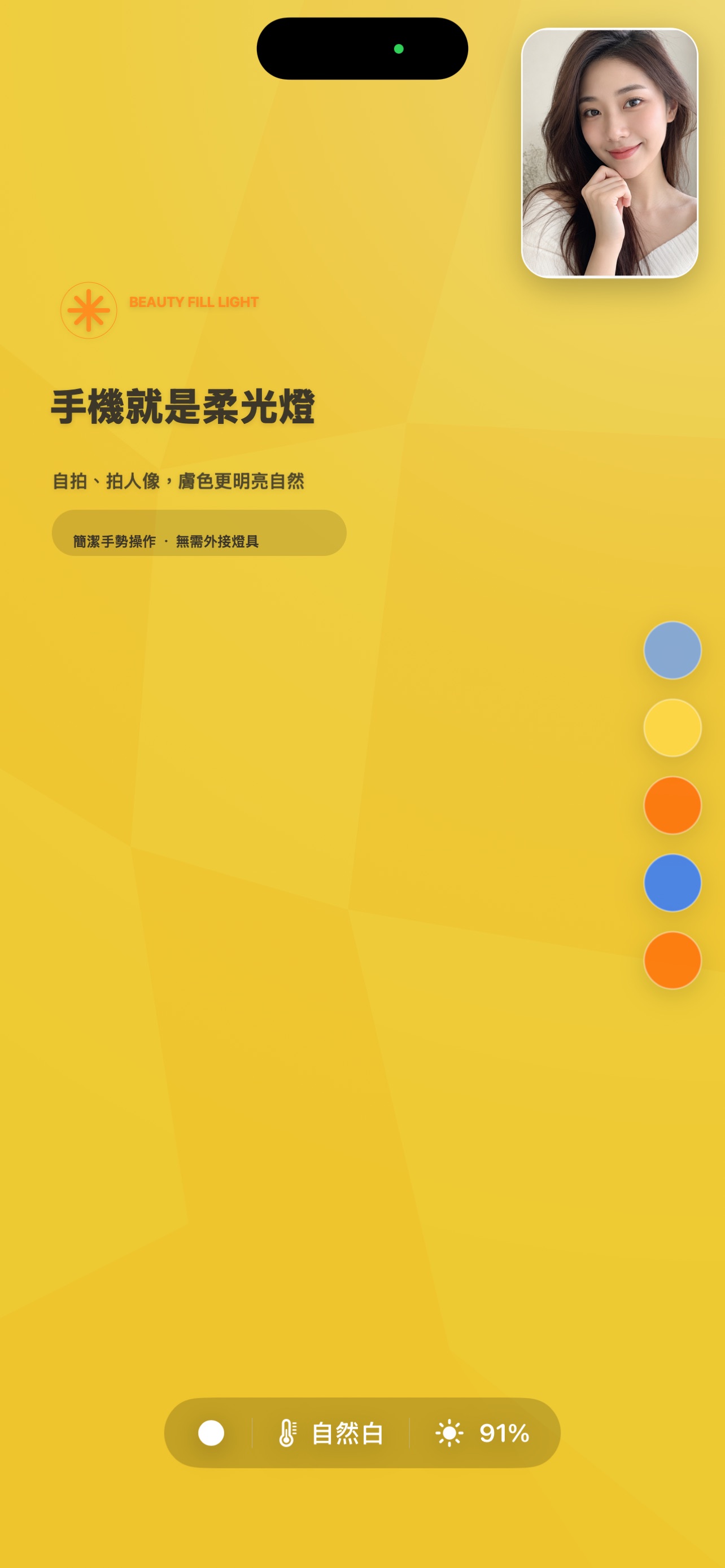
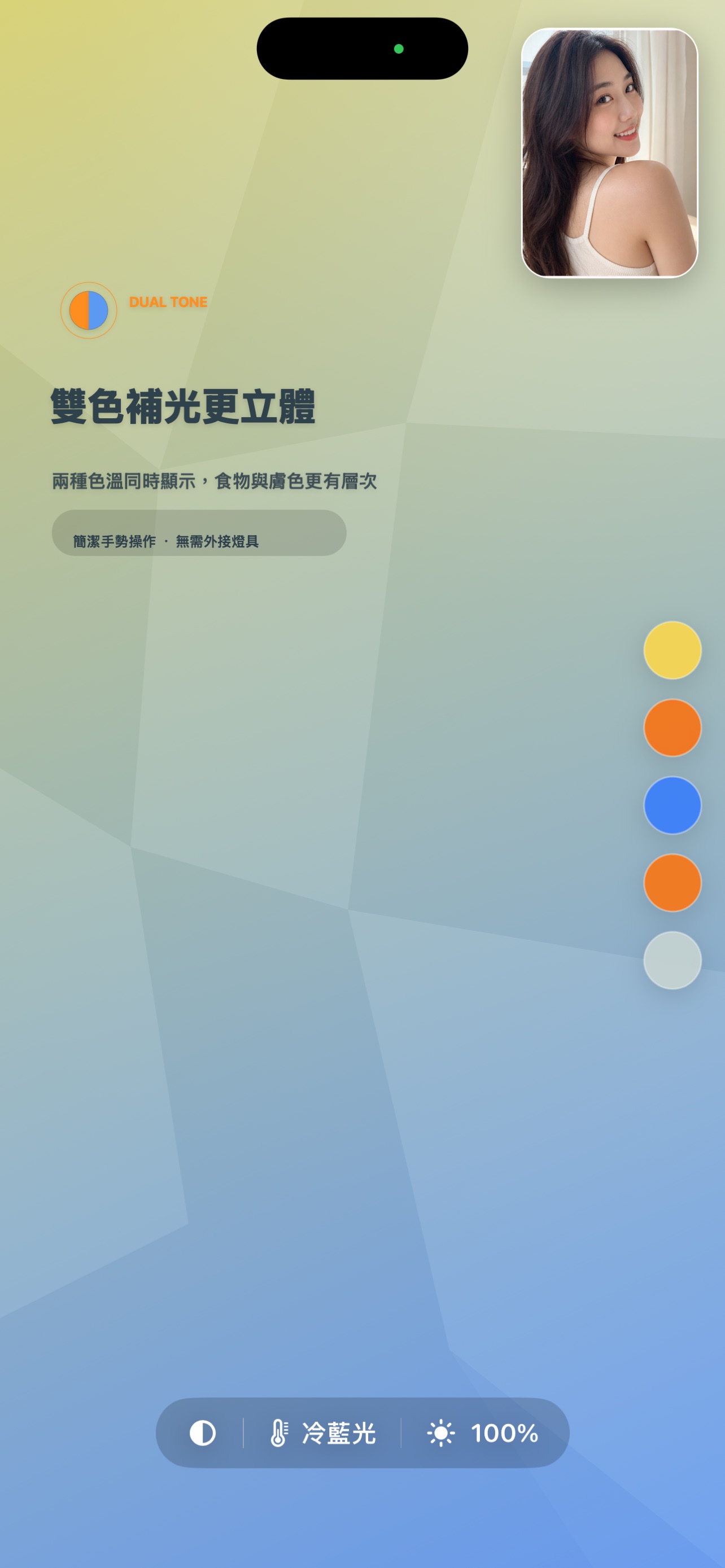
Designed for quick, close-range fill light. Results depend on screen brightness and distance; a phone screen does not replace a large professional light.
Open the app and adjust brightness and tone while checking the front camera preview. You can also place a second iPhone near your shooting camera as a separate light.
Use a second iPhone beside your computer or calling device as an external light. The app does not keep a full-screen light visible behind another app on the same phone, and does not provide calling or livestreaming.
Place the lit screen close to a small object and photograph it with another camera. Adjust the distance, brightness, and tone while watching shadows and reflections.
Find your favorite light and save it for next time. Free to download. Contains ads.