Current screenshot downloads
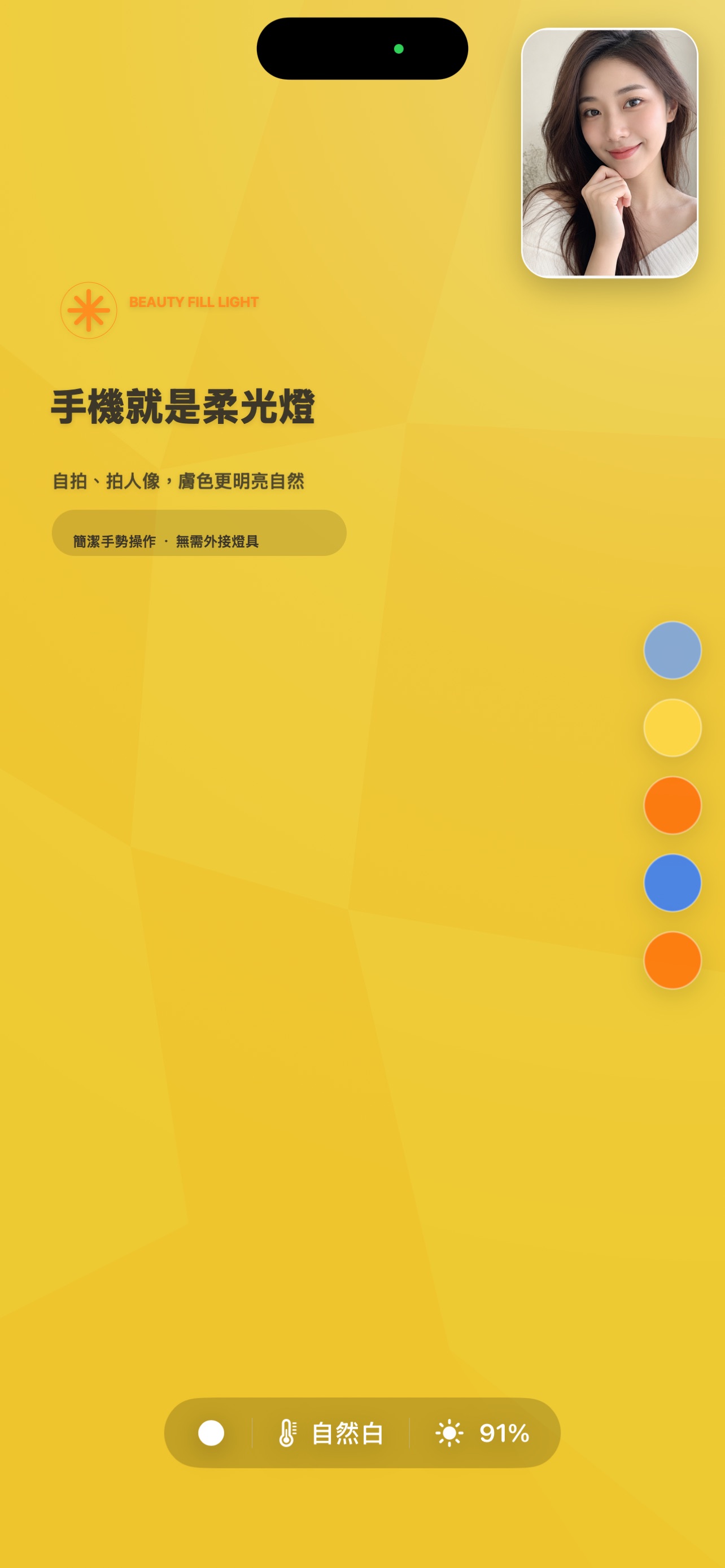
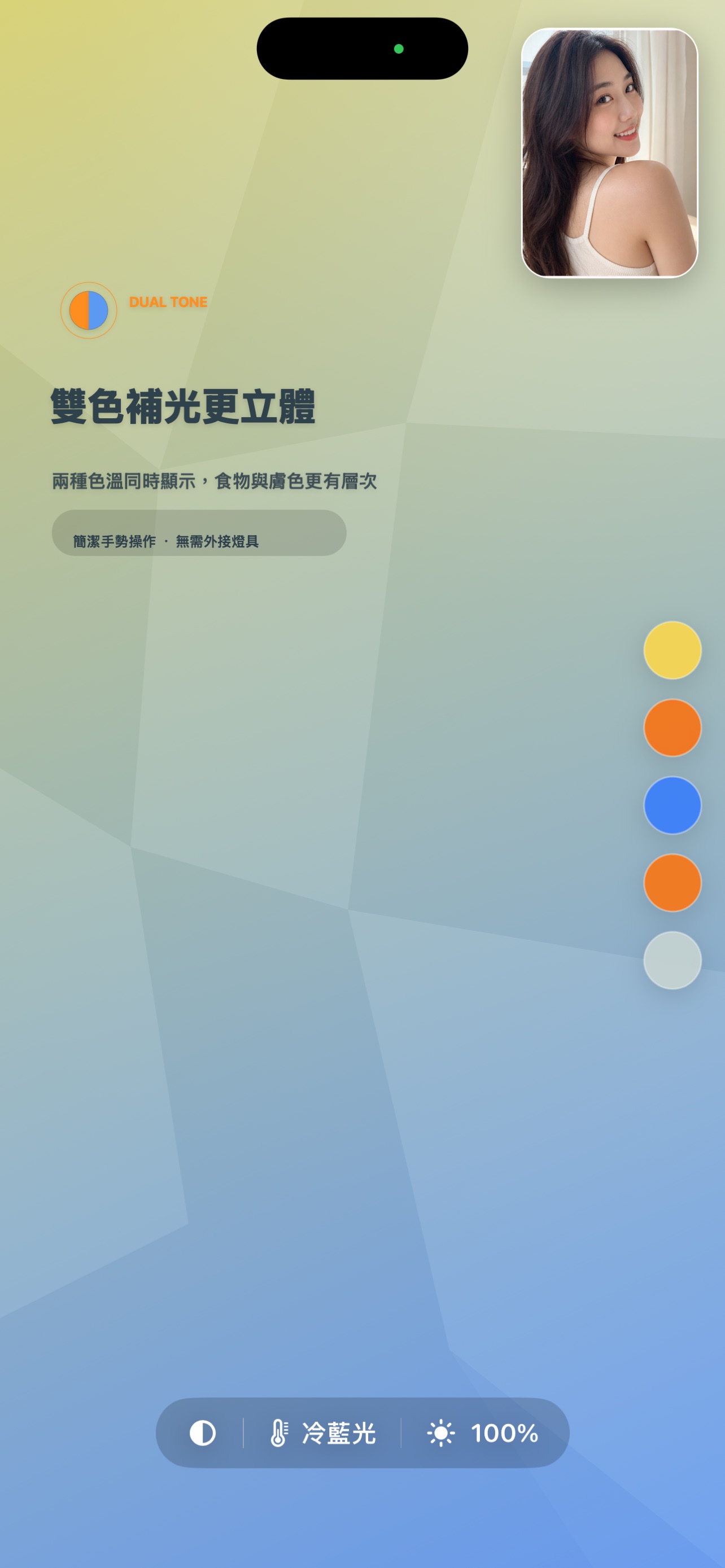
JPG, 1284 x 2778. These are the exact images currently published for version 1.0.1, with Traditional Chinese text.
Earlier social posters
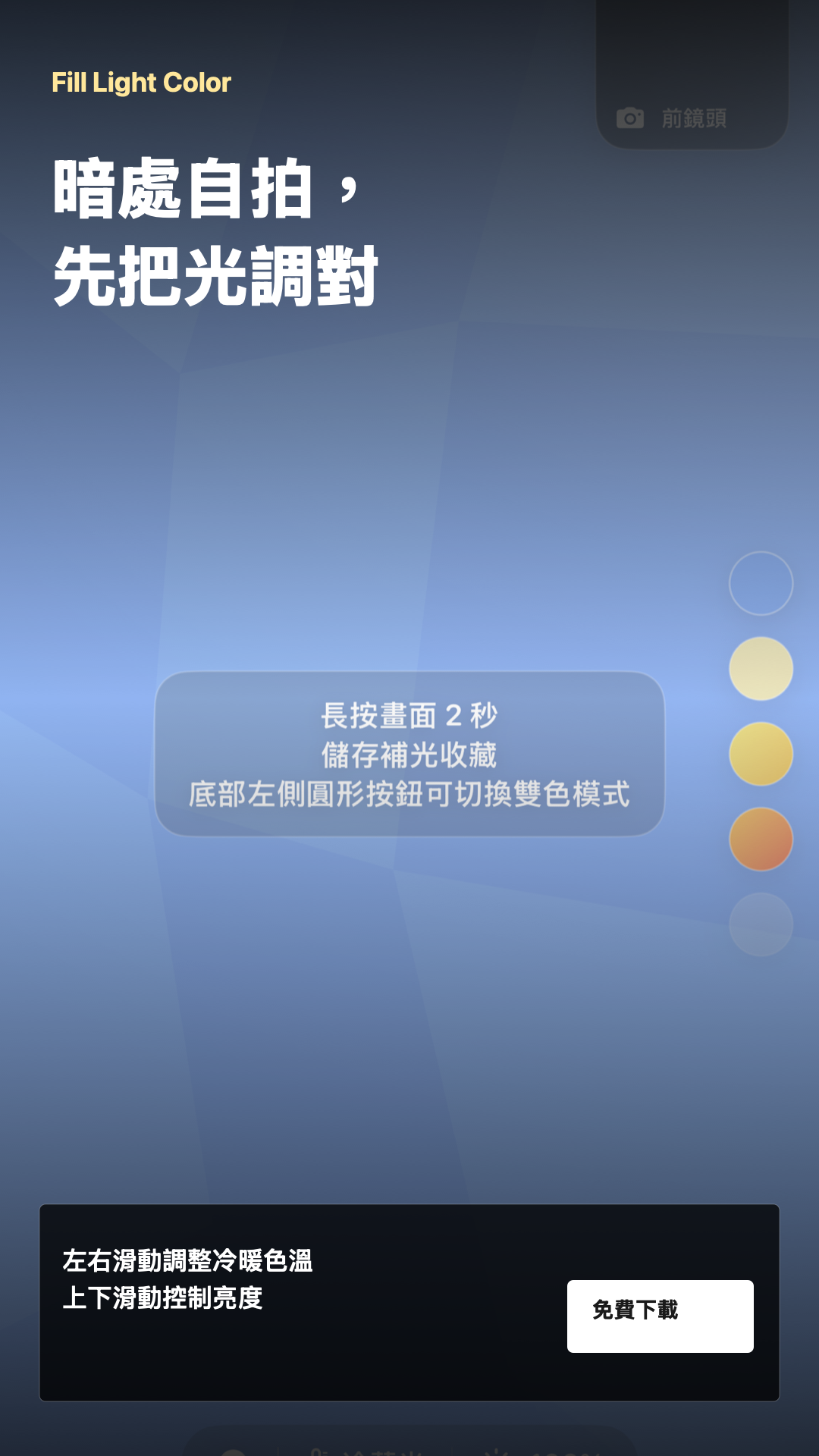
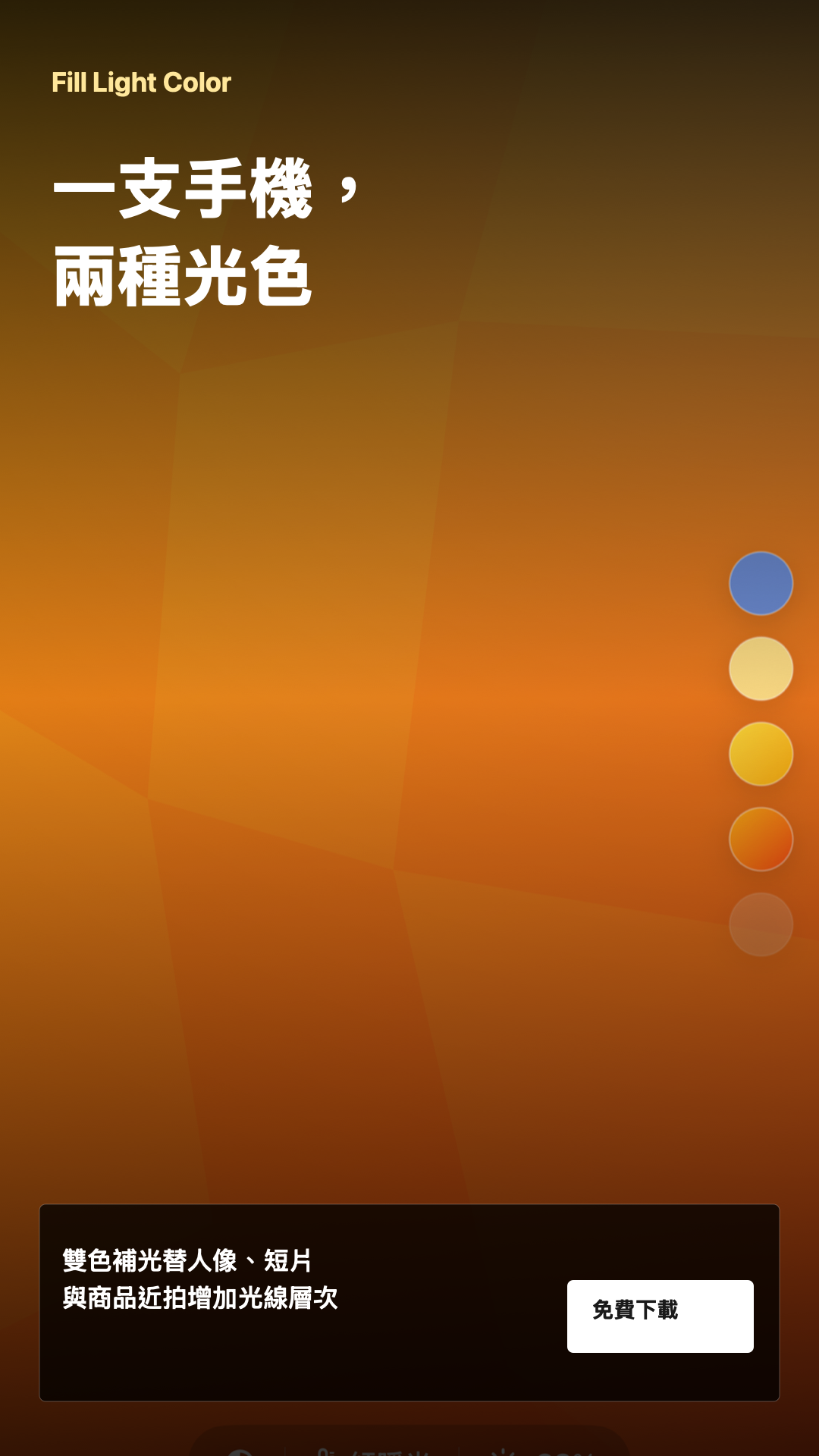
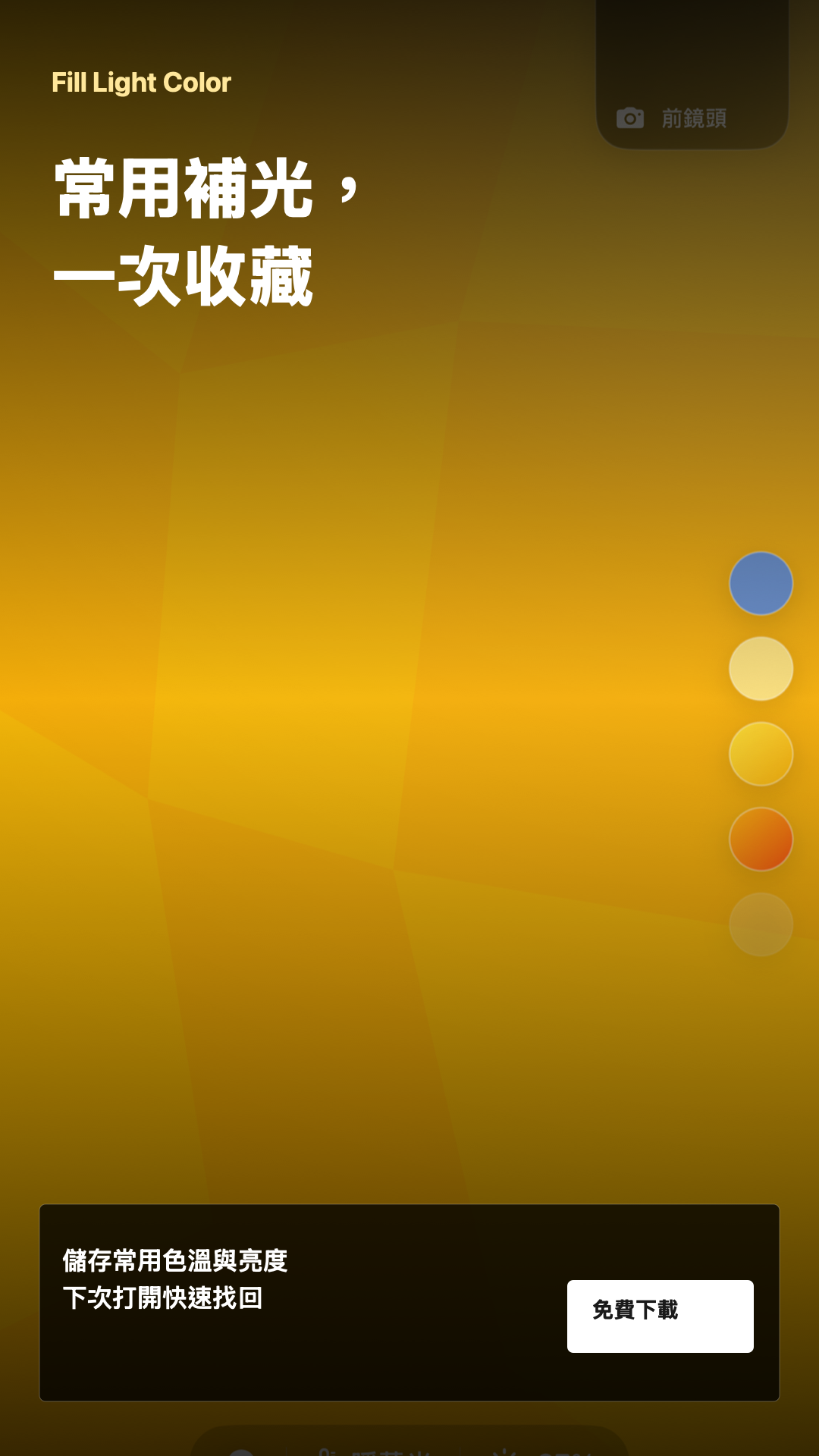
PNG, 1080 x 1920, created in July. These posters use earlier capture assets; prefer the current screenshots for a new campaign. Do not upload these promotional posters as the primary App Store screenshot set.
Ready-to-post copy
繁體中文
適合台灣、香港與繁體中文使用者。
自拍太暗?先用螢幕補光。Fill Light Color 把 iPhone 螢幕變成可調亮度與冷暖色溫的光源,支援前鏡頭預覽、雙色補光與常用設定收藏。視訊或商品近拍時,可用第二支手機放在鏡頭旁作補光。免費下載,App 內含廣告: https://apps.apple.com/tw/app/fill-light-color/id6772977729 #補光燈 #自拍補光 #手機攝影 #FillLightColor
简体中文
适合简体中文社群与海外中文使用者。
自拍太暗?先用屏幕补光。Fill Light Color 把 iPhone 屏幕变成可调亮度与冷暖色温的光源,支持前置摄像头预览、双色补光与常用设置收藏。视频通话或商品近拍时,可用第二部手机放在镜头旁补光。免费下载,App 内含广告: https://apps.apple.com/app/fill-light-color/id6772977729 #补光灯 #自拍补光 #手机摄影 #FillLightColor
English
For English-language social posts.
Dark selfie? Let your screen light it. Fill Light Color turns your iPhone screen into adjustable fill light with front camera preview, warm and cool tones, dual colors, and saved favorites. For calls or product photos, place a second phone beside your camera as a separate light. Free to download. Contains ads: https://apps.apple.com/us/app/fill-light-color/id6772977729 #SelfieLight #MobilePhotography #FillLightColor
Share the App Store page
These buttons open the selected platform's share composer. Posting still requires a signed-in account on that platform.
